Audio Production in Fedora
Introduction
This post is the first in a series about audio and music production in Fedora 41+ for a beginner point of view, this is not for the professional audio producer running a professional recording studio. It goes through how to setup Fedora 41+ for audio production, what tools are available direct in the Fedora repositories and where to get a lor of free and paid resources like DAW, Instrument and Audio processing plugins samples, soundfonts etc.
Audio technology in Fedora
As this is a beginner guide, I will not go into a deep dive in all the low-level audio technology in Linux/Fedora I will quickly go through the stuff interesting to know about below. Pipewire is the new cool technology, that make audio production much easier from the end users point of view, all the applications made for using JACK, Pulseaudio & Alsa can just plugin into Pipewire and work without needing any complex setup.
ALSA
Advanced Linux Sound Architecture (ALSA): This is a software framework and part of the Linux kernel that handles sound on Linux-based operating systems. It provides an API for sound card drivers, allowing applications to produce and manage audio.
Pulseaudio
PulseAudio is a sound server for POSIX-based operating systems, like Linux and some Unix-like systems. It acts as an intermediary between applications that produce sound (like media players or games) and the underlying audio hardware, managed typically by something like ALSA (Advanced Linux Sound Architecture).
JACK
JACK, stands for JACK Audio Connection Kit. It’s a professional-grade sound server designed for low-latency audio processing, primarily used on Linux, macOS, and other Unix-like systems. JACK is built for musicians, audio engineers, and anyone needing precise control over audio routing and real-time performance. It lets you connect audio inputs and outputs between applications and hardware in a super flexible way—like a virtual patchbay. For example, you could route a synthesizer app’s output into a recording program while simultaneously sending it to your speakers, all with minimal delay. It works alongside or sometimes instead of ALSA (which handles the hardware layer) and can coexist with PulseAudio, though they occasionally need some tweaking to play nice together. JACK’s big draw is its focus on low latency and high performance, making it a go-to for tasks like live music production or studio recording.
Pipewire
PipeWire is a relatively new audio and video handling framework designed for Linux systems, aiming to unify and improve how multimedia is managed. It’s like a next-generation replacement for both PulseAudio (for general audio) and JACK (for low-latency, pro-audio needs), while also tackling video streams—something its predecessors didn’t focus on. Think of PipeWire as a Swiss Army knife for media. It acts as a server that can route audio and video between applications and devices, supporting everything from casual desktop use (like playing music or video calls) to professional audio setups (low-latency recording or mixing). It’s built to be more efficient and flexible than PulseAudio, with native support for JACK’s real-time capabilities, and it can handle modern complexities like Flatpak apps or sandboxed environments better. It still relies on ALSA underneath for talking to sound hardware, but it abstracts things in a way that’s smoother and more future-proof. For example, it can seamlessly switch your Bluetooth headset’s audio profile or let you pipe video from a webcam to multiple apps at once. Most Linux distros (like Fedora and Ubuntu) are gradually adopting it as the default over PulseAudio.
Setup
This guide is made for the Fedora Workstation 41 running Gnome.
We only need a couple of packages to make everything work.
1
sudo dnf install sudo dnf install pipewire-jack-audio-connection-kit qpwgraph
pipewire-jack-audio-connection-kit is the Pipewire JACK API that make application made for JACK work nicely without the complex setup that a Jack Server require.
qpwgraph is a virtual patchbay for pipewire, that make it possible to make more complex audio/midi routing between applications and input/output devices like soundcard, audio interface, midi keyboards etc. In most cases it is not needed, but it is nice to see what is going on.
1
flatpak install pavucontrol --user
pavucontrol is a more advanced Volume Control application, that give you more control over your audio input/output devices than the Gnome Sound settings.
Hardware
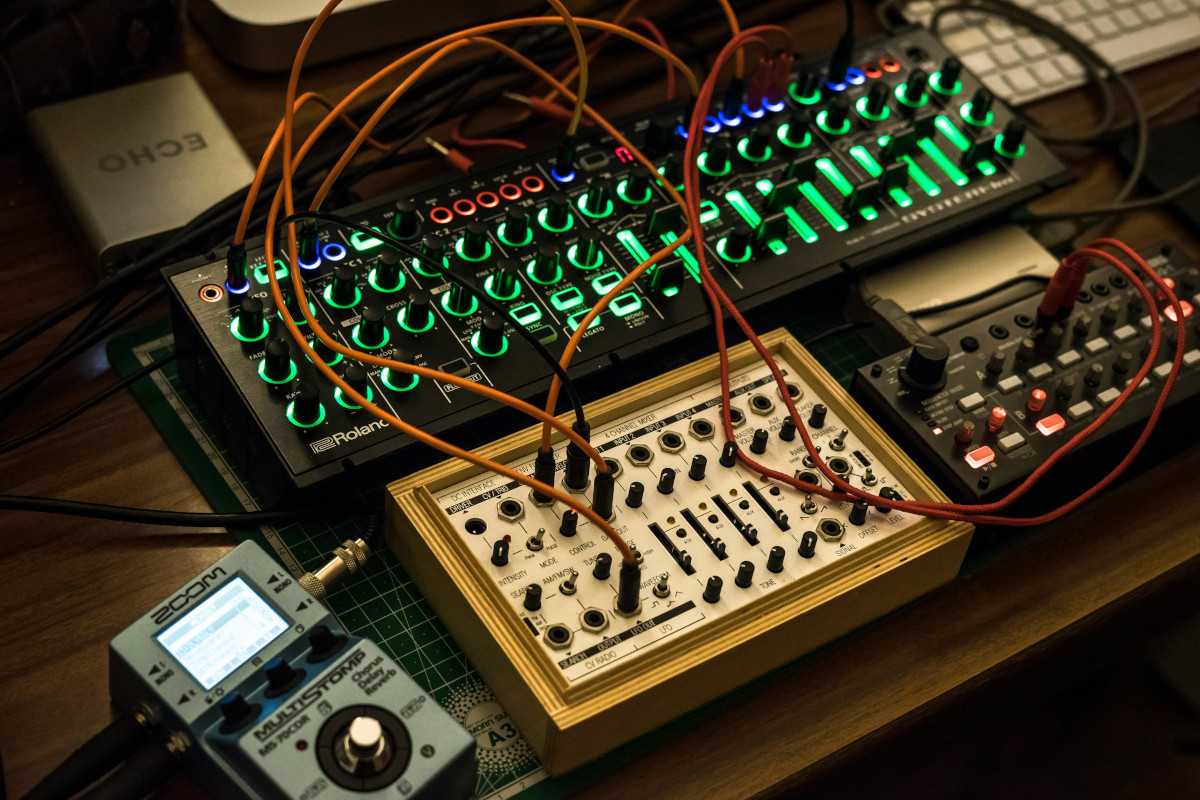
You don’t need any extra hardware, to get started, but the following will improve the experience over time. It is a rabbit hole, your can spend a lot of money and time researching equipment, So I just come with some budget friendly options, that don’t sucks and works fine in Linux.
Midi Keyboard
A small cheap midi keyboard like Ex. Akai Professional LPK25 or M-Audio Keystation Mini 32 will make it easier and more fun.
Audio Interface
An audio interface like will be an requirement if you want to record audio from microphones og instruments like a guitar and want to have som decent audio.
They work out of the box in Fedora, if you look for something else, then google if it work in linux without any problems.
Headphones
A good pair of cabled studio headphones, they need to have a neutral audio profile, most of the Hifi ones don’t. Audio Technica ATH-M30x, ATH-M40x or ATH-M50x is good options, based on your budget. The more expensive Beyerdynamic DT 770 Pro is also a great choice.
A couple of studio monitors
When mixing audio you need a couple of studio monitor, I use a pair of PreSonus Eris E3.5, they are good value for the money. There are a lot of other choices based on your budget.